Table of Contents
TogglePMRRP CNIC Check Online 2026
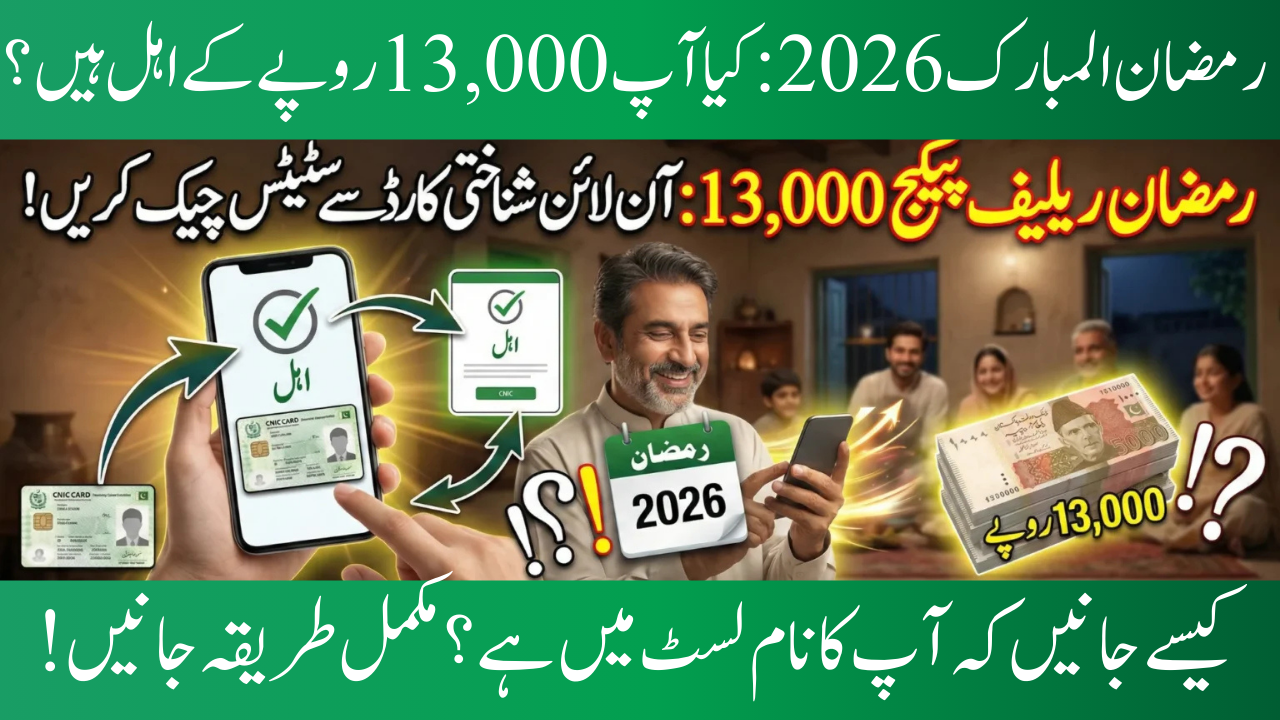
The Government of Pakistan has introduced the Ramzan Relief Package 2026 to support low-income families during the holy month. Financial aid of Rs. 13,000 is available to qualified households under this scheme. Candidates can provide their CNIC number by SMS or use the official PMRRP portal to check their eligibility online.
The digital system is designed to make verification quick, transparent, and secure. It connects with official records to confirm identity, income status, and SIM registration details. This article explains how to check your CNIC result, understand eligibility rules, solve common issues, and receive payment safely.
For official verification, always use the government portal:
https://pmrrp.nitb.gov.pk
What Is the Ramzan Relief Package 2026?
The Ramzan Relief Package provides financial support to families who meet specific income criteria. Due to rising food prices during Ramadan, many households face extra expenses. The Rs. 13,000 assistance helps cover basic grocery items such as flour, rice, sugar, and cooking oil.
The government uses a digital screening process to ensure that only deserving families qualify. There is no manual approval or recommendation system.
You Can Also Read: How to Check Aghosh Program Payment Online 2026 – Complete Guide for Rs. 38,000 Installment
Quick Information Update
Program Overview
| Feature | Details |
|---|---|
| Relief Amount | Rs. 13,000 |
| SMS Code | 9999 |
| Online Portal | pmrrp.nitb.gov.pk |
| Required Document | Valid CNIC |
| Registration Fee | Free of Cost |
| Target Group | Low-income families |
How to Check Eligibility Through SMS (9999 Method)
If you do not have internet access, you can check your eligibility using a simple SMS method.
Step-by-Step Process
-
Open your mobile messaging app.
-
Type your 13-digit CNIC number without dashes.
-
Send it to 9999.
-
Wait for the official response message.
You may receive one of the following replies:
-
Eligible
-
Under Verification
-
Not Eligible
This SMS method is useful for people living in areas with limited internet access.
How to Check CNIC Result Online
For detailed information, you can use the official PMRRP portal.
Follow These Steps: PMRRP
-
Enter your 13-digit CNIC number.
-
Complete the captcha verification.
-
Click on “Check Eligibility.”
-
View your result on the screen.
The portal connects directly with national databases to verify your data quickly and reduce fraud.
Who Qualifies for Rs. 13,000 Assistance?
Eligibility is determined through a poverty score system and official records. The system checks income data, asset ownership, and other government databases.
Likely eligible applicants include:
-
Registered BISP beneficiaries
-
Families with low monthly income
-
Widows or female-headed households
-
Persons with disabilities
-
Daily wage earners
Usually not eligible:
-
Government officers (Grade 17 and above)
-
High-income taxpayers
-
Owners of registered vehicles
-
Individuals with large property holdings
The screening is automated and based on available records.
Why Your Name May Not Appear
If your result shows “Not Eligible,” it does not always mean permanent rejection. There may be technical or data-related reasons.
Common issues include:
-
Incorrect CNIC number entry
-
Expired CNIC
-
SIM card not registered in your name
-
Outdated family information
-
Income above eligibility threshold
Updating your information may improve your chances during the next data refresh.
What to Do If Marked Ineligible
Before assuming rejection, take these steps:
-
Update your CNIC information with NADRA if needed
-
Ensure your SIM is registered under your own CNIC
-
Complete or update the BISP Dynamic Survey
-
Recheck your status after 48–72 hours
The system updates regularly, so corrections may be reflected after some time.
How Will You Receive the Rs. 13,000 Payment?
Once marked eligible, you can collect your payment through authorized channels.
Payment Methods
| Payment Channel | Verification Required |
|---|---|
| Bank Agents (HBL/Alfalah) | Biometric thumb verification |
| BISP Tehsil Campsites | Biometric confirmation |
| Authorized Payment Centers | Valid CNIC required |
Biometric verification is mandatory. No one can legally receive payment without your thumbprint verification.
Important System Checks in 2026
The digital system verifies:
-
CNIC validity
-
SIM ownership under your CNIC
-
Poverty score records
-
Asset and income data
If your SIM is not registered in your name, your request may not process correctly.
Scam Alert – Stay Safe
During relief programs, fake messages and fraud attempts are common. Keep these points in mind:
-
Registration is completely free
-
Government does not charge any fee
-
Only trust official codes like 9999
-
Never share your OTP or PIN
If someone asks for money to approve your application, it is likely a scam.
Why You Should Check Early
Checking your eligibility early can help you avoid problems such as:
-
Long queues at payment centers
-
Delays in correcting data errors
-
System overload near Ramadan
Early verification gives you enough time to fix any issues before payments are distributed.
Conclusion
Families may swiftly and securely verify their Rs. 13,000 Ramzan Relief payment using the PMRRP CNIC Check Online 2026 system. By using the official portal or SMS service, applicants can verify eligibility without visiting offices. The digital screening process ensures fairness and transparency, but accurate CNIC and SIM details are essential. Always rely on official sources, keep your data updated, and avoid third-party agents to receive your payment without difficulty.
You Can Also Read: BISP Document Verification March 2026 for Unverified or Three-Year-Old Recipients Are Fully Informed
FAQs
1. How can I check my Ramzan Relief eligibility online?
Visit https://pmrrp.nitb.gov.pk, enter your CNIC number, complete captcha verification, and check your status.
2. Is there any fee for checking eligibility?
No, checking eligibility through SMS or the online portal is completely free.
3. What should I do if my CNIC shows “Not Eligible”?
Update your information with NADRA or BISP if needed and recheck after a few days.