
Apna Ghar Apni Chat Application Status
The Punjab government’s Apna Ghar Apni Chat Scheme 2025 is a significant housing effort. Its primary goal is to assist middle-class and lower-class families in owning a secure and reasonably priced house. This plan is a symbol of security, respect, and a brighter future for thousands of families.
Many people are looking for ways to monitor their status online after submitting their applications. Through an official webpage, the government has streamlined this procedure, allowing applicants to check their Apna Ghar Apni Chat application status by CNIC in a matter of minutes.
The whole status check procedure, potential application outcomes, and what to do after verifying your status are all explained in this tutorial.
You Can Also Read: BISP 8171 Web Portal Reopens; Check 13,500 Payment Status Online
Why Checking Application Status Online Is Important
The Punjab Government introduced the online status checking system to make the process transparent and easy. Instead of visiting offices repeatedly, applicants can now verify their application from home.
Key benefits of the online portal include
-
Time saving, transparency, and no need to rely on agents
-
Direct access to official and real-time updates using CNIC
This system helps families stay informed and take timely action when required.
Step-By-Step Process to Check Status on acag.punjab.gov.pk
Applicants can check their status online by following these simple steps:
-
Open any browser on your mobile or computer
-
Visit the official website acag.punjab.gov.pk
-
Click on the Login option
-
Enter your 13-digit CNIC number
-
Type the password created during registration
-
Enter the captcha code shown on screen
-
Click Submit
-
Your dashboard will open, showing your application status
This method works on smartphones, laptops, and computers, making it accessible even in remote areas.
Meaning of Different Application Status Results
After logging in, applicants may see different status messages. Each result has a specific meaning and requires action.
Eligible Status
If your application displays “Eligible,” it indicates that your data and supporting documentation have been successfully validated. You are now eligible for plot allocation, as you fulfill all plan conditions. For more instructions, eligible candidates should continue to monitor their dashboard.
Not Eligible Status Apna Ghar Apni Chat
If your income exceeds the permitted maximum, you already own property, or your information does not match NADRA records, you will often receive a Not Eligible result. In certain instances, this status may also result from missing or inaccurate papers.
Candidates who have been deemed ineligible may still visit the Deputy Director Office with supporting documentation to request a reconsideration.
You Can Also Read: BISP 8171 December 2025 Payment: Complete Guide to Receiving the Rs. 13,500 Installment
Under Review Status: Apna Ghar Apni Chat
When the status shows “Under Review,” it means your application is still being checked. This is common due to a high number of applications or ongoing verification with NADRA and other departments. No action is required unless authorities contact you.
Error in Application
An Error status usually indicates technical issues such as incorrect CNIC digits, missing fields, or unclear uploaded documents. These errors are temporary and can be corrected by visiting the relevant office.
Common Application Status and Required Actions
| Application Status | Meaning | What You Should Do |
|---|---|---|
| Eligible | Approved and verified | Prepare documents and wait for allotment |
| Not Eligible | Criteria not met | Visit Deputy Director Office for review |
| Under Review | Verification in progress | Wait and keep phone active |
| Error | Technical or data issue | Correct information and recheck status |
When Will Plot Allotment Start in 2025?
The Punjab Government has announced that the plot allotment phase will begin soon. Only applicants marked as Eligible will be included in the allotment process. Official SMS notifications and dashboard updates will be sent once allotment starts. Applicants must ensure their registered mobile number remains active.
Common Problems While Checking Status Online
Some applicants face temporary issues while using the portal, such as forgotten passwords, invalid CNIC errors, or captcha problems. These issues can usually be resolved by resetting the password, re-entering correct CNIC details, refreshing the page, or trying again during non-peak hours.
Always rely on official sources and avoid agents who demand fees.
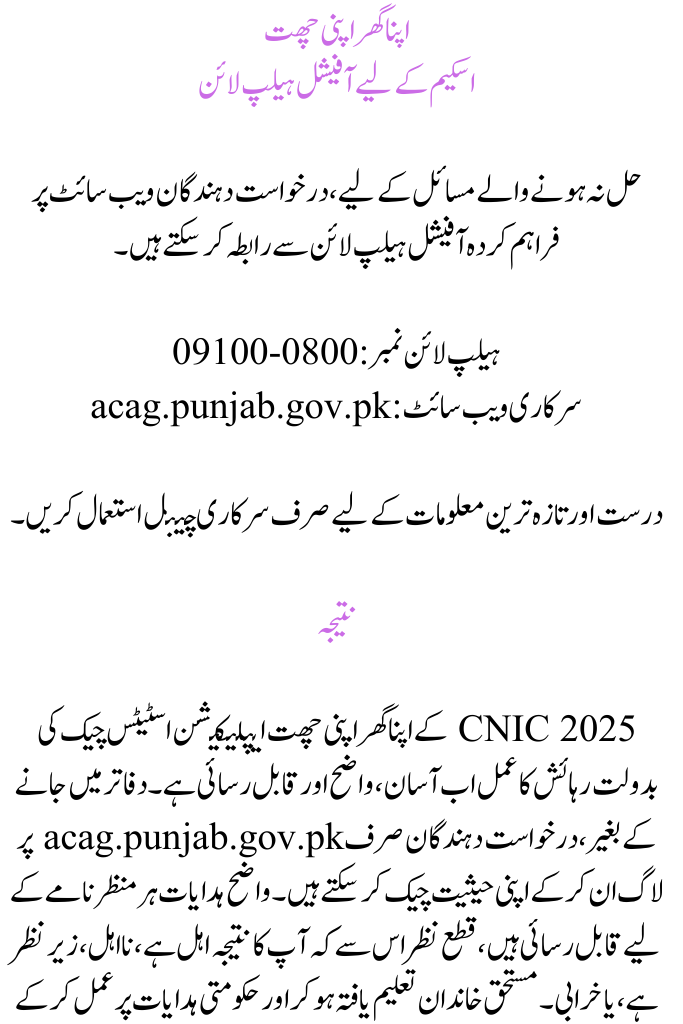
Official Helpline for Apna Ghar Apni Chat Scheme
For unresolved issues, applicants can contact the official helpline provided on the website.
Helpline Number: 0800-09100
Official Website: acag.punjab.gov.pk
Only use official channels for correct and updated information.
Conclusion
The housing process is now easy, clear, and accessible thanks to CNIC 2025’s Apna Ghar Apni Chat Application Status Check. Without going to offices, applicants may simply check their status by logging in at acag.punjab.gov.pk. Clear instructions are accessible for each scenario, regardless of whether your outcome is Eligible, Not Eligible, Under Review, or Error. Deserving families can get closer to having a safe house in Punjab by being educated and following government directives.
You Can Also Read: CM Punjab Naujawan Agriculture Internship Program Phase 2 Launched for Agriculture
FAQs
1. How can I check my Apna Ghar Apni Chat application status by CNIC?
Visit acag.punjab.gov.pk, log in using your CNIC and password, enter the captcha, and view your status on the dashboard.
2. What does “Under Review” mean in the Apna Ghar Apni Chat Scheme?
It means your documents are still being verified. You should wait for updates and keep your registered mobile number active.
3. Can I correct my application if it shows Not Eligible or Error?
Yes. Visit your district’s Deputy Director Office with supporting documents and request a review or correction.