Table of Contents
ToggleAghosh Program Payment Online 2026
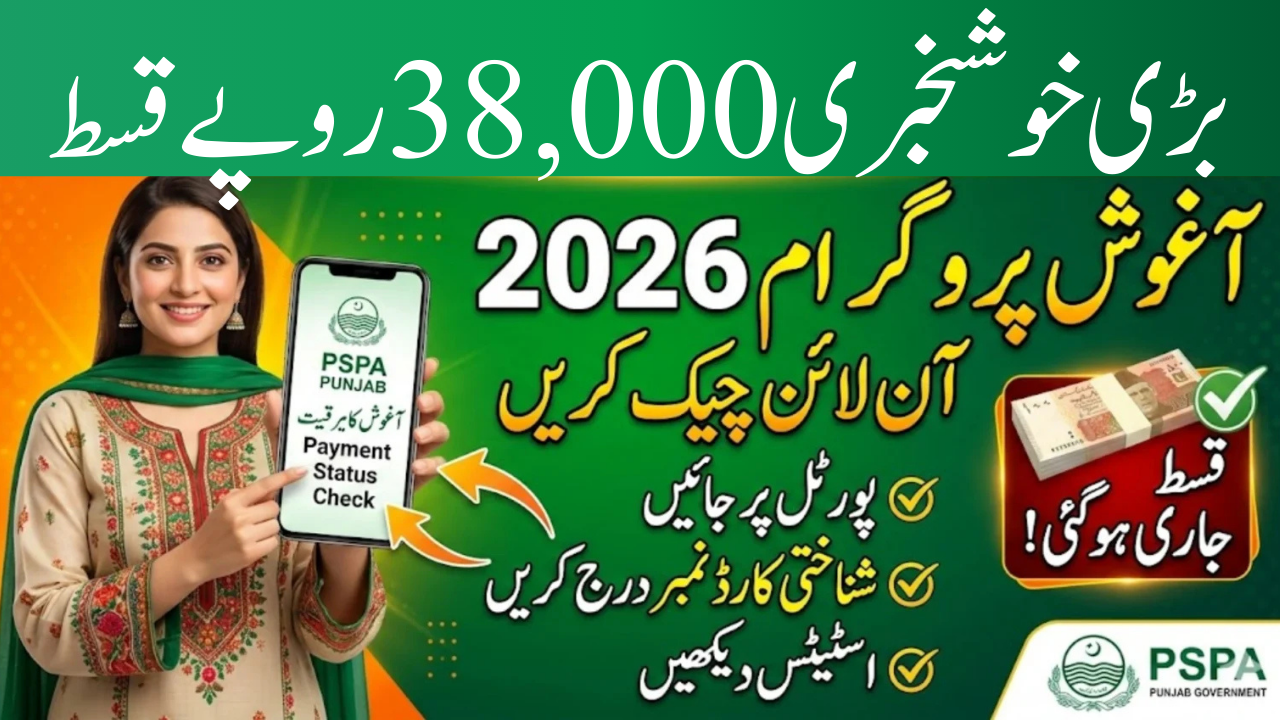
The Aghosh Program 2026 is a social support initiative in Punjab designed to provide financial assistance to eligible women. Under this program, qualified beneficiaries can receive up to Rs. 38,000 in installments. The main goal is to support women during pregnancy and early motherhood, helping them manage health and household expenses.
In 2026, the government improved the system by introducing an online payment status check. Now, women can confirm their installment details from home without visiting multiple offices. This guide explains the official process for checking payment status, withdrawing money, solving common issues, and filing complaints if needed.
For official updates and verification, always visit the Punjab Social Protection Authority (PSPA) website:
https://pspa.punjab.gov.pk
This article is for informational purposes only and is not affiliated with any government department.
What Is the Aghosh Program?
The Aghosh Program works under the Punjab Social Protection Authority. It focuses on supporting pregnant and lactating women from low-income families. Financial assistance is provided in phases after medical checkups and verification.
The payment is released in installments, and beneficiaries must complete registration and biometric verification to receive funds. The digital tracking system has made the process more transparent and simple.
You Can Also Read: Maryam Ko Batain Online Apply Issue Solved Complete Details 2026
Step-by-Step Process to Check Aghosh Program Online
Checking your payment status online is easy and takes only a few minutes. You only need your CNIC number and internet access.
Follow These Steps:
-
Open the official PSPA website.
-
Go to the payment status section.
-
Enter your 13-digit CNIC number without dashes.
-
Complete the captcha verification.
-
Click the submit button.
-
Your payment status will appear on the screen.
If your installment is available, it will show the payable amount. If not, the system may show “under verification” or “no payment available.”
How to Withdraw the Rs. 38,000 Installment
After confirming your payment online, you can withdraw your installment from an authorized retailer shop.
Withdrawal Method:
-
Visit a nearby authorized retailer.
-
Provide your original CNIC.
-
Complete biometric verification (fingerprint or facial verification).
-
Receive your payment in cash.
This system reduces long waiting times and ensures secure transactions, especially for women in rural areas.
Common Issue: 0 Balance Showing on Portal
Sometimes beneficiaries see a “0 balance” message even though they believe they qualify. This may happen due to system updates or data delays.
If this happens:
-
Visit an authorized retailer shop.
-
Complete biometric verification.
-
Ask the retailer to check payment through their system.
In many cases, the payment is available even if the online portal does not show it correctly.
Persistent 0% Status—What to Do?
If your payment status continues to show 0% or inactive for a long time, it may indicate a registration issue.
You should:
-
Visit the nearest Tehsil government hospital or Aghosh Program registration desk.
-
Ask staff to review your application details.
-
Fill out a correction or update form if required.
-
Wait for confirmation after data correction.
After updating your information, your payment status may be revised, and you can then withdraw your installment.
Important Requirements for Smooth Payment
Before checking or withdrawing your payment, make sure:
-
Your CNIC is valid and not expired.
-
Your mobile number is correctly registered.
-
Biometric verification was completed during registration.
Keeping accurate records helps avoid delays.
Quick Overview of Aghosh Program 2026
| Feature | Details |
|---|---|
| Total Assistance | Up to Rs. 38,000 |
| Target Beneficiaries | Pregnant & lactating women |
| Payment Method | Installments |
| Verification System | CNIC & Biometric verification |
| Official Website | pspa.punjab.gov.pk |
Common Problems and Solutions
| Problem | Suggested Solution |
|---|---|
| 0 balance on portal | Verify at authorized retailer shop |
| Biometric mismatch | Retry fingerprint verification |
| CNIC not found | Update registration details |
| Status under verification | Wait for official confirmation |
Tips for First-Time Beneficiaries
If you are receiving an Aghosh Program payment for the first time, follow these helpful tips:
-
Always check your payment online before visiting a retailer.
-
Carry your original CNIC for verification.
-
Avoid paying any fee to agents or middlemen.
These small precautions can save time and prevent confusion.
Why the Online System Is Important
The digital payment system improves transparency and reduces unnecessary travel. Women can confirm their status from home and visit retailers only when the installment is available. It also reduces errors and ensures that only verified beneficiaries receive payments.
The biometric system protects funds from misuse and ensures secure delivery.
Conclusion
The Aghosh Program 2026 provides essential financial support to eligible women in Punjab through a structured and transparent system. With the introduction of online payment status checks, beneficiaries can easily confirm their Rs. 38,000 installment using their CNIC. The withdrawal process through authorized retailers is simple and secure. If any issue arises, updating registration details at official desks can resolve it. Always rely on the official PSPA website for accurate information and avoid unofficial agents to ensure smooth access to your payment.
You Can Also Read: BISP Document Verification March 2026 for Unverified or Three-Year-Old Recipients Are Fully Informed
FAQs
1. How can I check my Aghosh payment status online?
Visit the official PSPA website, enter your CNIC number, complete captcha verification, and submit to view your payment details.
2. Is there any fee for checking or withdrawing payment?
No, all services related to Aghosh payment are free of cost.
3. What should I do if my status shows 0% for a long time?
Visit the nearest registration desk or Tehsil hospital to update your information and resolve the issue.