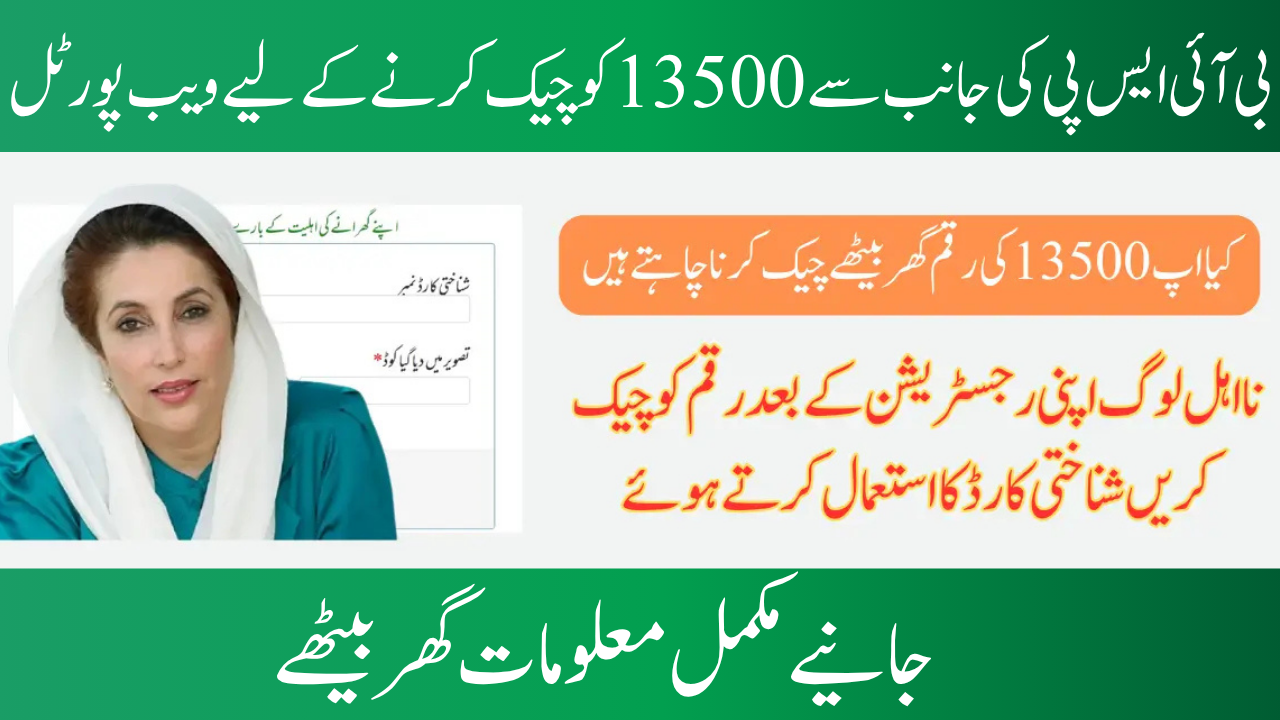
BISP 8171 Portal 2025: Verify Your Eligibility
On the BISP 8171 Portal 2025, individuals may verify their eligibility status and payment information using their CNIC number. Through the site, citizens may get current information on their application, payment amount, and collection date. The process is simple, but the identity card needs to be up to date and not expired. Millions of underprivileged households in Pakistan get aid from BISP through initiatives including Taleemi Wazaif, Benazir Kafalat, and the Nashonuma Program. The website is a one-stop shop for all information, regardless of whether they are awaiting clearance or have already been paid.
You can read more: Find Out How to Fix the BISP Payment Deductions Issue Step-by-Step in 2025
What is the Portal for BISP 8171?
By linking a citizen’s CNIC to BISP databases, the government-run 8171 site evaluates their eligibility for aid using NADRA and NSER data. It allows citizens to safely confirm their status without having to wait in line or visit physical offices. The website promotes transparency and expedites the payment process by providing eligible families with alternatives for eligibility verification and payment tracking.
Key attributes of the BISP 8171 website
8171 Portal Features:
• For Kafalat, Taleemi Wazaif, and Nashonuma, an eligibility check based on CNIC is conducted.
• Real-time payment status and history.
• District-wise payment center updates.
• Issue and biometric verification facility.
• Access to quarterly and monthly disbursement schedules.
• Compatibility with both desktop and mobile devices.
Updated: June and July 2025 BISP 13500 Payment
According to the BISP, qualified recipients would get PKR 13,500 for the June 2025 payment cycle. To control crowd flow and guarantee correct verification at payment locations, the procedure will be broken down into stages. June 1–5 is the portal downtime period; June 6–9 is the CNIC eligibility verification window; June 10–15 is the urban area payment period; June 16–25 is the rural area payment period; and June 26–30 is the final phase payment period.
Detailed Instructions for Verifying Eligibility on the BISP 8171 Portal
BISP Portal Reopening Process
• Visit the official website: 8171.pass.gov.pk.
• Fill in the 13-digit CNIC number.
• Solve the CAPTCHA code.
• Click the Submit or “Maloom Karain” button.
• Results show eligibility, payment amount, and nearest disbursement center.
• System guides on next steps if the application is under review or rejected.
| Section | Details |
|---|---|
| Portal Website | 8171.pass.gov.pk |
| Programs Covered | Kafalat, Taleemi Wazaif, Nashonuma |
| Eligibility Check | Enter CNIC on portal or SMS to 8171 |
| June-July 2025 Payment | PKR 13,500 |
| Payment Schedule | June 10–15 (Urban), June 16–25 (Rural), June 26–30 (Final Phase) |
| Portal Downtime | June 1–5 for upgrades |
| Alternative Methods | SMS 8171, Helpline: 0800-26477, Visit nearest BISP office |
| Common Issues | Unregistered CNIC, biometric failure, payment not received |
| User Tips | Avoid third-party apps, keep CNIC updated, don’t share personal info |
Notice of 8171 Portal Outage and Upgrade for June 2025
BISP Portal Upgrades: June 1-5
• Enhance server speed for high traffic management.
• Improve biometric integration.
• Implement security patches to prevent fake entries and hacking.
• Improve mobile interface for smooth user experience.
• Introduce new alerts for document re-verification.
You can read more: Learn the Step-by-Step Details of the BISP Eligibility Criteria 2025 for Recently Unverified Women.
Other Ways to Verify Eligibility If the Portal Is Down
BISP Status Check Options
• SMS CNIC to 8171: Send the 13-digit CNIC number to 8171 for eligibility and payment status within 30 seconds.
• Call the BISP Helpline: Dial 0800-26477 and provide your CNIC and other information.
• Visit Nearest BISP Office: Carry the original CNIC and NSER registration slip. Explain the issue at the help desk during working hours. Request biometric verification assistance or re-registration if needed.
Typical Problems People Have and How They Fix Them
BISP users frequently encounter technical and eligibility issues. Typical issues include unregistered CNICs causing no record to be discovered or issues with data sync. To resolve problems, you can either visit a nearby BISP office or wait two to three days. If biometric verification fails due to mismatched or low-quality fingerprints, wash your hands completely, try different payment locations, contact NADRA for fingerprint updates, request facial verification, or get authorization based on proof. If the money has been released but not received, use your CNIC to visit the payment center, file a complaint, or confirm again by SMS or the 8171 site.
You can read more: Payment CNIC Campsite Check New Payment 14500 for the BISP Program 2025
Crucial Advice for BISP Recipients
Managing Payment Access and Misuse
• Avoid third-party apps or unauthorized websites.
• Avoid sharing OTP or CNIC numbers with strangers.
• Save portal result screenshots.
• Keep the CNIC and NSER slip updated.
• Inform BISP of changes in address, income, or family details.
Conclusion
The BISP 8171 Portal 2025 aims to improve financial aid security, accessibility, and transparency for the most vulnerable. By just entering your CNIC number, you may find out if you qualify, when your payment is due, and where to pick it up. This digital convenience is part of the government’s ongoing efforts to modernize public welfare programs and successfully involve underserved communities.
If you are a registered BISP beneficiary, it is imperative that you stay up to date with the website and other official communication channels. Save the relevant phone numbers, bookmark the site, and inform your family and neighbors about it to make sure that no one is refused the assistance to which they are entitled.
FAQs
1. How can I use the 8171 site to determine my eligibility for BISP?
You can go to 8171.pass.gov.pk to see whether you qualify. After completing the CAPTCHA and entering your 13-digit CNIC number, select “Maloom Karain.” Your qualifying status, payment amount, and the closest payment center will all be shown by the system.
2. How do I proceed if the BISP 8171 site isn’t functioning?
Try these options if the gateway is unavailable:
- Get your status in a matter of seconds by sending your CNIC to 8171 via SMS.
- For assistance, contact the BISP helpdesk at 0800-26477.
- For in-person assistance, bring your CNIC and NSER slip to the closest BISP office.
3. What’s causing my payment to be late or not appear?
Typical explanations include
- Biometric problems (such as mismatched fingerprints)
- Unregistered or expired CNIC
- Delays in system synchronization
- Change your information with BISP or NADRA, try another payment facility, or ask for face verification.